
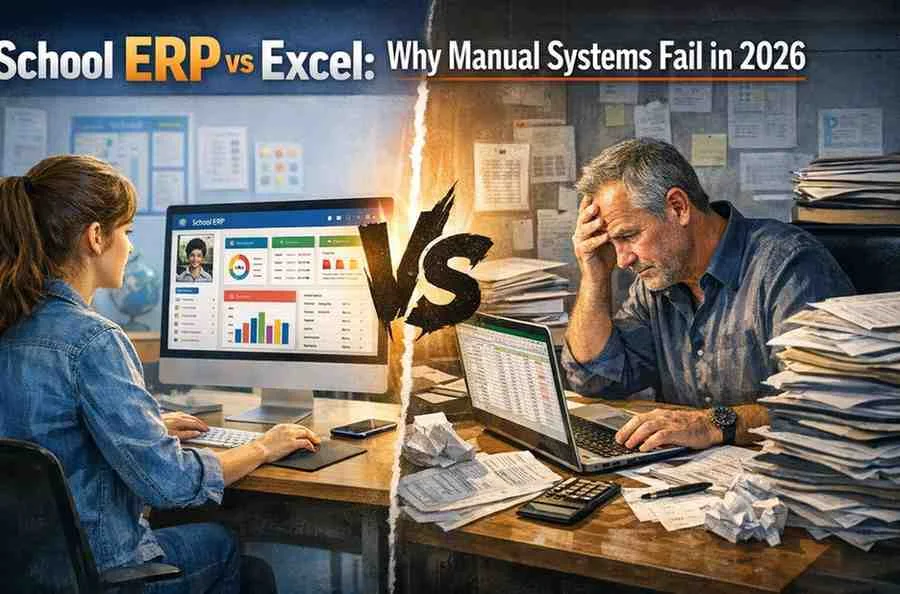
Are you still managing your school operations on Excel and wondering why things keep slipping through the cracks?
You’re not alone. Across Pakistan, many schools rely on spreadsheets to handle admissions, fees, and student records. It works—until it doesn’t. A single misplaced formula or outdated file can cause costly errors. According to a 2024 report by EdTech Magazine, over 55% of schools using manual systems reported data inconsistencies and operational delays.
The truth is, Excel was never designed for full-scale school management. As schools grow, complexity increases—and manual systems start to break down.
In this guide, you’ll understand the real difference in School ERP vs Excel, why manual vs digital school systems matter more in 2026, and how switching to ERP can save time, reduce errors, and improve decision-making. More importantly, you’ll get practical insights to decide what’s right for your school.
What is the real difference between School ERP vs Excel?
At first glance, both Excel and ERP systems help you manage data. But the similarity ends there.
Excel is a tool. ERP is a complete system.
Where Excel falls short
- Data is stored in separate files
- No real-time updates across departments
- High risk of human error
- Limited automation
What ERP does differently
A school ERP system integrates all operations into one platform—admissions, attendance, fees, exams, and communication.
Real-world example
A school in Lahore managed student records using multiple Excel sheets across departments. When they switched to ERP, they discovered duplicate entries and fee mismatches worth thousands of rupees.
What I’ve learned
Excel works fine for small datasets. But once your school crosses 200–300 students, complexity multiplies quickly.
Actionable takeaway
Ask yourself:
- How many Excel files are you managing right now?
- How often do errors occur?
If the answer worries you, it’s time to consider digital transformation.
Why do manual vs digital school systems create operational gaps?
Manual systems create invisible gaps that grow over time.
You may not notice them daily—but they impact your efficiency and reputation.
Common operational issues
- Delayed communication with parents
- Inconsistent student records
- Lack of centralized data
- Time wasted on repetitive tasks
Case study
A Karachi-based school relied on Excel school management for attendance and grading. Teachers maintained separate sheets, leading to mismatched reports. After implementing ERP, reporting time reduced by 50%.
Industry insight
According to UNESCO (2025), schools adopting digital systems improved administrative efficiency by up to 30%.
Why this matters
Operational gaps don’t just waste time—they affect decision-making. And poor decisions cost money.
Actionable takeaway
Map your daily processes:
- Identify tasks that require manual data entry
- Track how long each task takes
- Look for duplication
Automation through ERP can eliminate most of these inefficiencies.
How does Excel school management limit growth?
Growth demands scalability—and Excel struggles with that.
Key limitations
- No multi-user collaboration in real time
- Data becomes difficult to manage at scale
- Security risks (files can be copied or lost)
- No analytics or predictive insights
Example
A school in Islamabad expanded from 150 to 500 students within two years. Their Excel-based system couldn’t handle the volume. Fee tracking errors increased, and reporting became chaotic.
What happens next
Schools often hire more administrative staff to manage the workload. That increases costs without improving efficiency.
What I’ve learned
Scaling with Excel is like building a house on a weak foundation. It might hold for a while—but cracks are inevitable.
Actionable takeaway
If your student strength is growing:
- Evaluate your current system’s capacity
- Plan for scalability before problems arise
ERP systems are designed to grow with your institution.
How does a school ERP system improve accuracy and decision-making?
Data accuracy is the backbone of any successful institution.
With ERP, you move from guesswork to data-driven decisions.
Key advantages
- Real-time dashboards
- Automated reports
- Error-free calculations
- Centralized database
Case study
A Multan-based school implemented ERP analytics to track fee collection trends. They identified seasonal delays and adjusted payment schedules accordingly—improving cash flow by 20%.
Supporting statistic
HolonIQ (2024) reports that institutions using data-driven systems saw up to 25% improvement in operational decision-making.
Why it matters
When your data is accurate, your decisions improve. And better decisions lead to better outcomes.
Actionable takeaway
Start using data effectively:
- Generate monthly performance reports
- Monitor fee collection trends
- Track student attendance patterns
Even basic analytics can transform how you operate.
Is switching from Excel to ERP expensive or complicated?
This is the biggest concern for most school owners.
And it’s valid—but often misunderstood.
The reality
Modern ERP systems are more affordable than ever, especially cloud-based solutions designed for schools in Pakistan.
Common misconception
“ERP is only for large institutions.”
That’s no longer true. Many vendors offer scalable pricing models.
Example
A small private school in Faisalabad transitioned from Excel to ERP within four weeks. They started with just admissions and fee management modules and expanded later.
Cost vs value
Yes, ERP requires investment. But consider the hidden costs of Excel:
- Time wasted
- Errors and rework
- Missed revenue opportunities
What I’ve learned
The cost of staying manual is often higher than the cost of upgrading.
Actionable takeaway
Start small:
- Implement one module first (e.g., admissions or fees)
- Train staff gradually
- Scale based on results
This reduces risk and ensures smoother adoption.
What are the long-term benefits of choosing ERP over Excel?
The real value of ERP becomes clear over time.
Long-term advantages
- Improved efficiency across departments
- Better parent communication
- Higher student retention
- Scalable growth
Real-world example
A school network in Lahore implemented ERP across all campuses. Within two years, they achieved:
- 30% faster administrative processes
- 25% improvement in parent satisfaction
- Significant reduction in operational errors
Trend insight
By 2025, digital transformation is no longer optional in education. Schools that fail to adapt risk falling behind.
Actionable takeaway
Think long-term:
- Where do you want your school in 3–5 years?
- Can Excel support that vision?
ERP is not just a tool—it’s a growth strategy.
Talk to Our Experts Today
Instant support or book a free demo
Conclusion
The debate around School ERP vs Excel is no longer about preference—it’s about survival and growth.
Excel may have served you well in the past, but the demands of modern education require more robust, scalable solutions. Manual systems create inefficiencies, increase errors, and limit your ability to grow.
On the other hand, ERP systems bring structure, automation, and intelligence into your operations. They help you save time, reduce costs, and make better decisions.
If you’re still relying on spreadsheets, now is the time to rethink your approach.
Start by identifying your biggest operational challenges. Then explore ERP solutions tailored for schools in Pakistan. Even a small step toward digital transformation can create a significant impact.
Your next move will determine whether your school struggles to keep up—or leads the way.
FAQ Section
What is the main difference in School ERP vs Excel?
Excel is a standalone tool for data management, while ERP is an integrated system that automates and connects all school operations.
Can Excel school management handle large schools?
Not effectively. As data grows, Excel becomes difficult to manage, leading to errors and inefficiencies.
Is ERP better than manual vs digital school systems?
Yes, ERP represents a digital approach that improves accuracy, efficiency, and scalability compared to manual systems.
How much does a school ERP system cost in Pakistan?
Costs vary, but many affordable cloud-based options are available. Schools can start small and scale gradually.
How long does it take to switch from Excel to ERP?
Basic implementation can take 2–6 weeks, depending on the system and training requirements.
Does ERP reduce administrative workload?
Yes, automation reduces repetitive tasks, allowing staff to focus on more important activities.
Is ERP difficult for staff to learn?
Modern ERP systems are user-friendly, and most vendors provide training to ensure smooth adoption.
