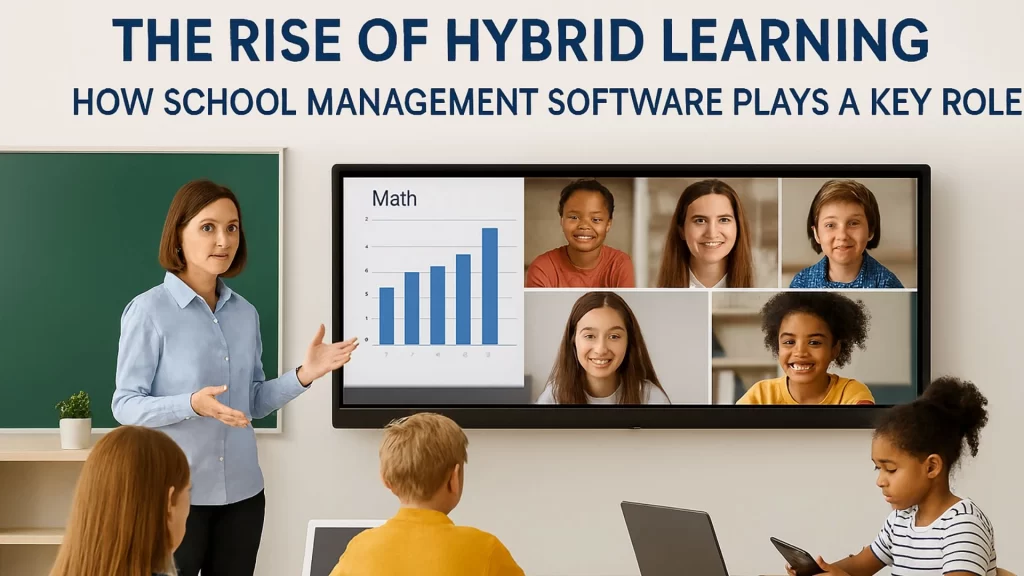
How can schools effectively manage the complexities of both in-person and online learning? As education systems evolve, Hybrid Learning has become a critical model, combining the best of both worlds—traditional classroom teaching and the flexibility of online education. This shift brings both exciting possibilities and new challenges for educators, students, and administrators alike. The key to successfully navigating this hybrid landscape lies in adopting the right tools. School Software plays an integral role in ensuring a smooth and seamless hybrid learning experience, helping educators manage resources, track progress, and maintain communication. In this blog, we’ll explore how School Management Software is a game-changer for Hybrid Learning and how it helps make online education tools more effective.
What is Hybrid Learning, and Why is it Gaining Popularity?
Hybrid learning, in simple terms, is a blend of in-person and online learning. It allows students to learn in the classroom, while also providing access to digital content and virtual class activities. With this flexible approach, students have the opportunity to engage in lessons at their own pace and in their preferred learning environment.
The rise of Hybrid Learning has been accelerated by global events, such as the COVID-19 pandemic, which forced schools worldwide to shift to online platforms. Now that the world has adapted to this new way of teaching, many schools have found that Hybrid Learning offers the best of both worlds—offering the flexibility of online education with the personal engagement of in-person classroom teaching.
As more institutions adopt hybrid models, the role of School Software becomes even more critical. A well-designed software platform allows schools to manage both remote and in-person learning environments seamlessly, offering tools for tracking attendance, grading, communication, and student performance—no matter the learning format.
How Can School Software Support Hybrid Learning?
In a hybrid learning environment, schools face the challenge of integrating online and offline educational experiences. School Software provides a centralized platform to manage various aspects of the learning experience. Here’s how School Management Software helps address the complexities of hybrid education:
1. How Does School Software Facilitate Seamless Communication Between Teachers, Students, and Parents?
Effective communication is at the heart of a successful Hybrid Learning environment. In hybrid classrooms, where students may be physically present or learning remotely, staying connected is vital for engagement and academic success.
School Software offers integrated messaging systems that allow teachers to communicate with students and parents, regardless of their location. Teachers can send announcements, homework assignments, and deadlines to the entire class, or communicate one-on-one with students. This system ensures that everyone stays informed and on track, whether they are in the classroom or attending lessons virtually.
Additionally, School Software can send automatic notifications to parents about important updates, such as upcoming exams or student performance. This level of communication helps maintain a strong connection between home and school, ensuring that students get the support they need, both online and offline.
2. How Does School Management Software Simplify Resource Management in Hybrid Learning?
Managing resources in a hybrid learning environment can be challenging, especially when it comes to coordinating physical and digital materials. Whether it’s assigning textbooks, distributing digital course materials, or scheduling virtual classes, School Software helps streamline the process.
The right School Software allows schools to manage resources such as classroom materials, online learning tools, and assignments in one centralized system. Teachers can upload digital resources, assign them to specific students or classes, and track completion—all within the same platform. This ensures that no student is left behind, regardless of their mode of learning.
Additionally, hybrid learning often requires technology tools, such as video conferencing software, online whiteboards, and learning management systems (LMS). The right School Management Software can integrate these tools, allowing for a smooth transition between in-person and online learning.
3. How Does Hybrid Learning Software Help Track Student Progress and Performance?
In a hybrid learning environment, tracking student progress across both in-person and online settings can become complex. School Software makes it easier by providing a unified system for monitoring student performance.
Teachers can use the software to assign and grade assignments, quizzes, and projects, regardless of whether they are being submitted in person or online. The software aggregates data in one place, providing both teachers and parents with real-time updates on student progress. This helps identify struggling students early, allowing for timely interventions, whether in the classroom or virtually.
Moreover, some School Management Software platforms come with built-in data analytics that provide detailed insights into individual and class-wide performance. These tools allow teachers to personalize learning by identifying trends and patterns, making it easier to adjust instruction to meet the needs of each student.
4. How Does School Software Ensure Flexibility in Scheduling for Hybrid Classes?
Scheduling is often one of the most challenging aspects of managing a hybrid learning model. Teachers need to coordinate in-person and virtual sessions, while students must be able to access course materials and attend lessons from anywhere.
School Software simplifies this task by offering integrated scheduling tools. Administrators can easily create schedules that accommodate both in-person and online learning sessions. Students and teachers can access these schedules in real-time, ensuring that everyone is on the same page.
In some systems, students can even access recorded lessons if they miss a live session, ensuring that no one falls behind. This flexibility ensures that learning continues, regardless of any scheduling conflicts or absences.
5. How Can School Management Software Support Attendance Tracking in Hybrid Learning?
Tracking attendance in a hybrid environment can be tricky, as students may be learning in person, remotely, or in a combination of both. School Software can automate attendance tracking, ensuring that every student’s attendance is accurately recorded, regardless of their learning format.
Teachers can easily mark attendance digitally, and the system automatically updates student records. Additionally, software platforms often integrate attendance with other features, such as gradebooks, so that students’ overall participation can be easily tracked.
The ability to track attendance in real-time also allows teachers and administrators to identify trends in student participation and follow up with students who may be disengaging, whether in-person or online.
6. How Does School Software Enhance the Hybrid Learning Experience with Online Learning Tools?
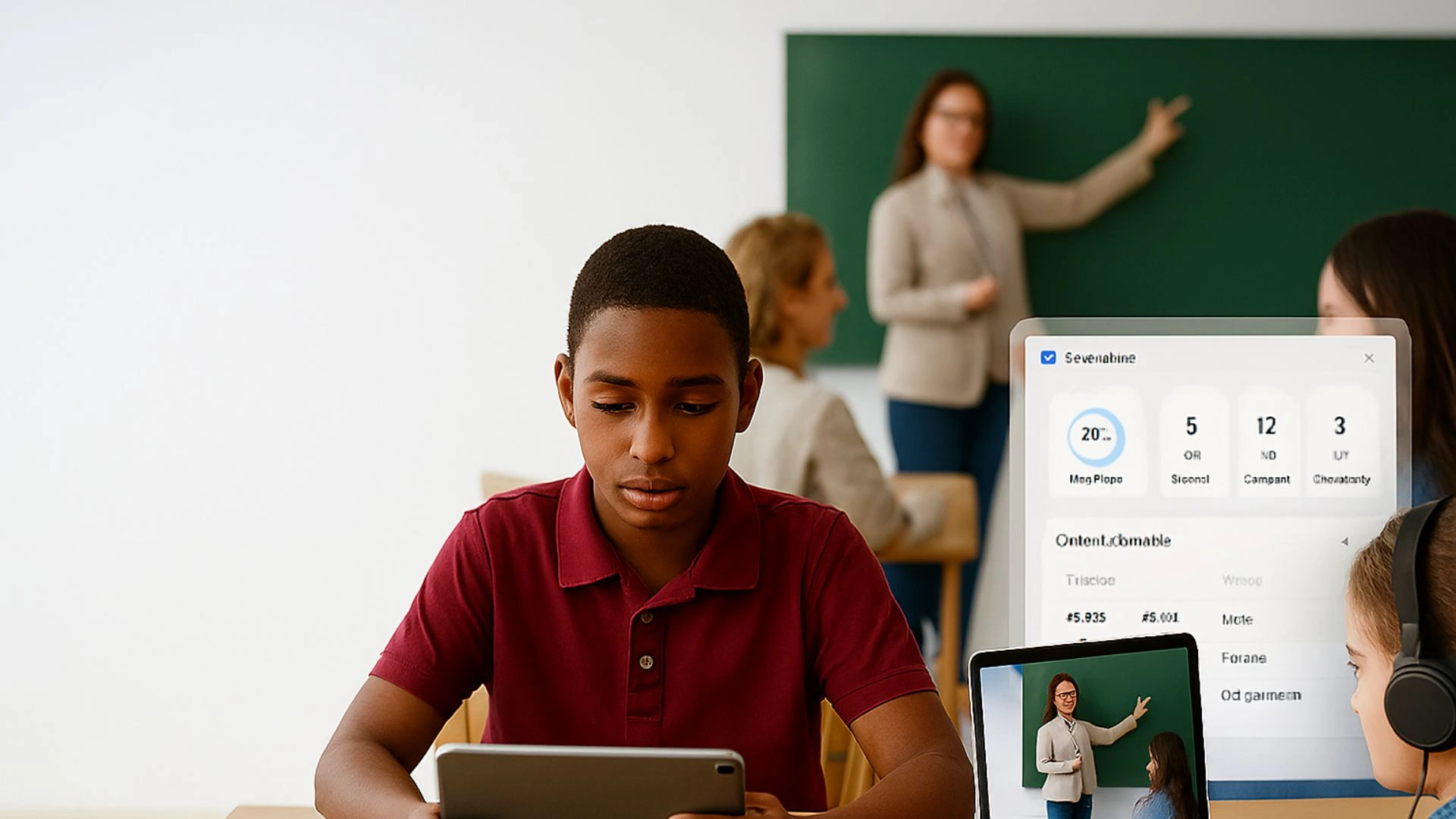
Online Learning Tools are at the core of Hybrid Learning. Whether it’s video conferencing for live lessons, discussion forums for student engagement, or digital assessments for grading, these tools allow for flexible, interactive learning experiences.
School Software platforms typically integrate a variety of Online Learning Tools that can enhance both in-person and remote learning. For example, teachers can use video conferencing software to conduct live lessons, share screens, and interact with students in real-time. Online quizzes, assignments, and polls allow for immediate feedback, helping to keep students engaged and learning continuously.
Additionally, tools such as collaborative virtual whiteboards, project management tools, and content sharing platforms allow students to interact with their peers and teachers, regardless of whether they are in the classroom or at home. This integration helps maintain a high level of engagement and ensures that learning can continue outside of traditional classroom settings.
7. How Does School Software Support Assessment and Feedback in a Hybrid Environment?
In a Hybrid Learning model, assessments and feedback play a crucial role in student development. Teachers need to provide feedback on both in-person and online assignments and track progress over time. School Software streamlines this process by integrating digital assessment tools with real-time feedback features.
Teachers can create and grade assignments, quizzes, and projects digitally, offering students immediate feedback on their performance. The software can also generate reports that show student progress, helping both teachers and parents identify areas that need improvement.
This continuous feedback loop supports the personalized learning experience, ensuring that students receive the guidance they need, regardless of whether they are learning in-person or remotely.
8. How Can School Software Foster Collaboration in Hybrid Learning?
Collaboration between students and teachers is one of the hallmarks of successful education. In a Hybrid Learning environment, this collaboration needs to bridge both physical and digital spaces. School Software facilitates this by offering tools that support collaboration, such as chat systems, file sharing, and group project management tools.
Teachers can set up discussion forums, assign group projects, and encourage peer-to-peer learning, all within the software platform. This fosters a sense of community and ensures that students continue to interact with their peers and teachers, regardless of whether they are learning in person or online.
Conclusion
As the education landscape continues to evolve, Hybrid Learning is becoming a central focus. School Software plays a pivotal role in making this model effective by providing schools with the tools they need to manage both physical and online learning environments seamlessly. From enhancing communication and tracking performance to integrating Online Learning Tools and fostering collaboration, the right software solution is essential for a successful hybrid learning experience. If your school is transitioning to or enhancing its hybrid model, adopting the right School Software can make all the difference in ensuring smooth operations and fostering student success.
FAQs About Hybrid Learning and School Software
Q1: What is Hybrid Learning?
Hybrid learning is a teaching model that combines traditional in-person classes with online learning. This approach provides flexibility, allowing students to participate in lessons both physically and virtually.
Q2: How can School Software help in managing Hybrid Learning?
School Software centralizes all the necessary tools for managing both in-person and online learning, such as communication systems, resource management, attendance tracking, and student performance monitoring. It simplifies operations and ensures a seamless hybrid learning experience.
Q3: How does School Software handle online learning tools in a hybrid environment?
School Software integrates Online Learning Tools like video conferencing platforms, digital assessments, and collaborative spaces, ensuring that students can engage with lessons and peers regardless of whether they’re in the classroom or learning remotely.
Q4: How can School Software improve teacher-student communication in hybrid learning?
School Software provides integrated messaging systems and real-time updates, enabling teachers to send assignments, feedback, and announcements efficiently to students and parents, ensuring effective communication in both physical and virtual classrooms.
Q5: Can School Software track attendance in Hybrid Learning?
Yes, School Software can automate attendance tracking for both in-person and online classes, ensuring accurate records are maintained and allowing teachers to monitor student engagement across different learning formats.
