
Multi-Role Management System
A software solution that allows organizations to assign, manage, and control multiple user roles and permissions
within a single platform, ensuring secure access, and efficient collaboration across different levels of users.
Multi-role Management Software for Secure Access Control in Schools
TaleemPro.pk is designed to meet the evolving needs of today’s educational institutions. With its smart automation, centralized control, and user-friendly interface, it simplifies school operations from admissions to attendance, exams to fee management, and much more.
A multi-role management solution is a comprehensive solution that empowers businesses by allowing multiple roles to be managed and streamlined in a unified platform.
This enables better coordination, performance tracking, and decision-making, all of which contribute to business growth. Let your school operate smarter—not harder—with the power of tailored role-based access control.
Key Features of Multi-Role Management System

Multi-role Management Solution
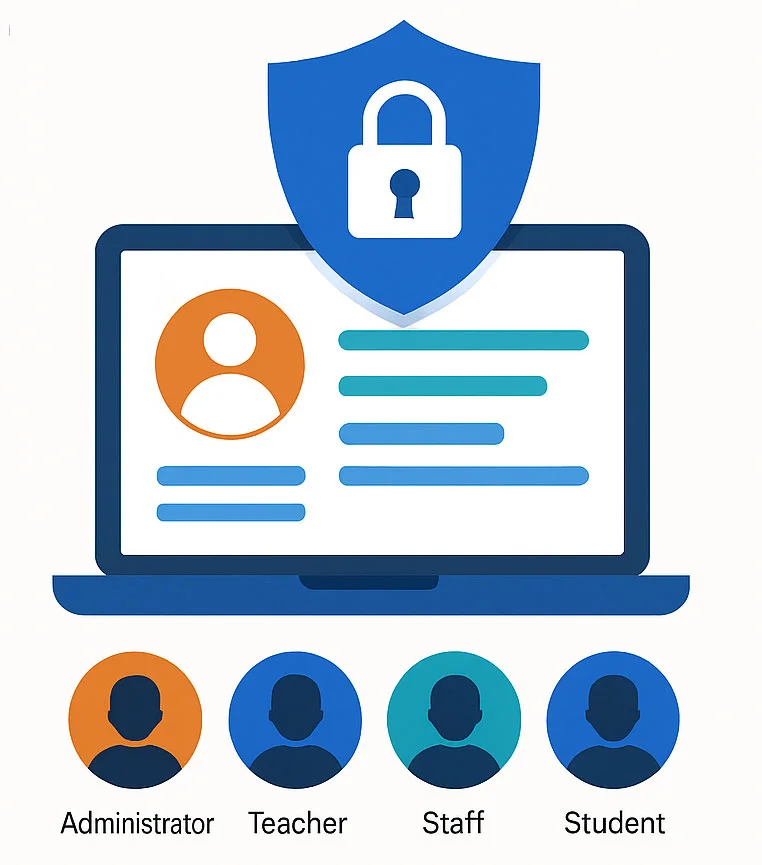
Assign customized roles like Admin, Teacher, Operator, Student, and Parent with tailored permissions.
Role-Based Access Control (RBAC)
Control what each user can view, edit, or delete based on their assigned role.

User Group Segmentation
Easily create groups (e.g., campus-wise, department-wise) for better control and visibility.

Module-Level Access Rights
Grant or restrict access to specific modules (e.g., Fee Management, Exam Module, SMS Module).
Activity Logs & Audit Trail
Track who accessed or changed what and when—ensuring transparency and accountability.
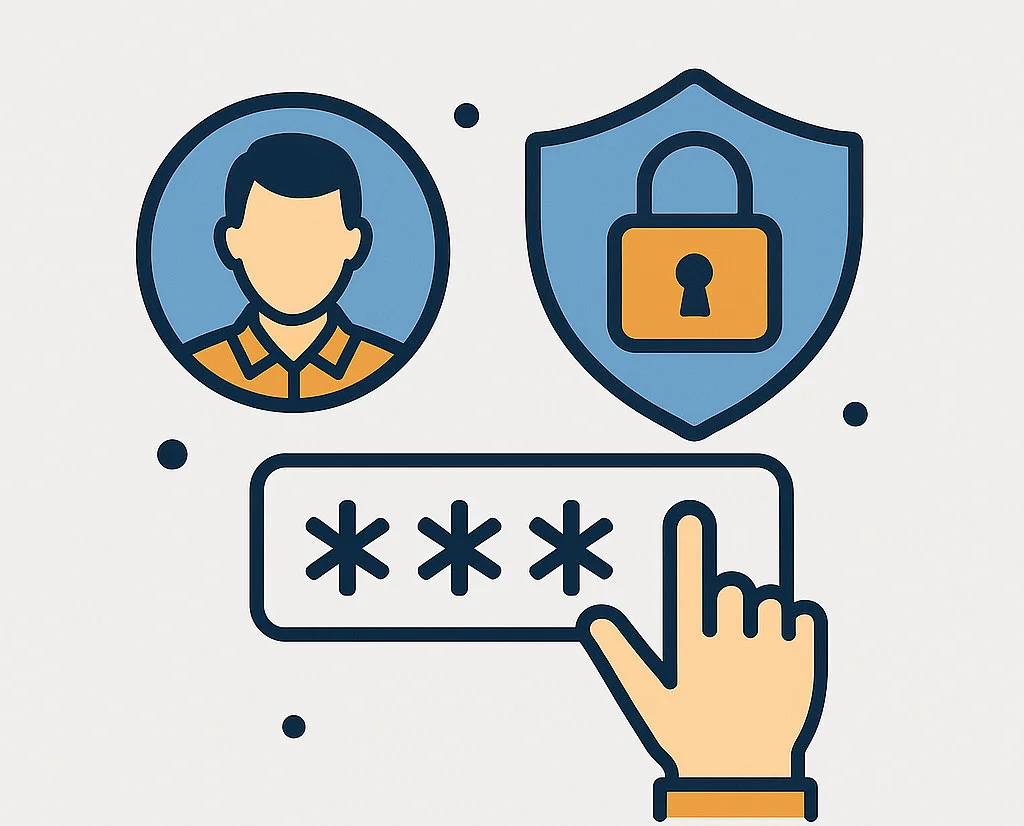
Secure Login Management
Each user has a unique login with password protection and access boundaries.
Flexible Permission Settings
Allow or limit actions like Add, Edit, Delete, or View per user or role.
Access by Campus or Section
Limit user visibility to specific sections, classes, or campuses as per their responsibility.
Key Benefits for Modern Schools
A multi-role school management system streamlines access control and boosts efficiency by assigning the right permissions to the right users.
One of the key advantages of implementing a multi-role management system is the improved efficiency it brings. With automated task assignments and seamless communication between roles, team members can focus on their specific responsibilities without the need for constant back-and-forth.
A multi-role system tracks the activities of each user, providing insights into individual and team performance. This data allows for better accountability and helps identify areas that require improvement.
As businesses grow, their needs evolve. A multi-role management system is designed to be scalable, allowing organizations to add more roles, features, and users as required.
Use Cases for Multi-role Management Software
Education Institutions
Educational institutions use a multi-role management system to efficiently manage admins, teachers, and students, streamlining attendance, grading, and curriculum.
Corporate Organizations
Large corporations use a multi-role management solution to manage departments, employee roles, performance, and recruitment efficiently.
Why You Need a Taleempro's Multi-role System?
A multi-role system is designed to accommodate different user roles within an organization. This allows teams to collaborate effectively and ensures that each role has access to the necessary resources to perform their tasks efficiently. Whether you are managing a small team or an entire organization, this system allows for a flexible, customizable approach to task allocation and monitoring.
Performance Improvements with a Multi-role Management System
When a multi-role school management software is implemented correctly, it can significantly improve the overall performance of an organization. Automated task management, real-time communication, and clear accountability all contribute to faster execution of tasks and smoother business operations. Furthermore, the system provides managers with real-time data, allowing for quick adjustments and decision-making.
Features Overview
Frequently Asked Questions (FAQ)
The system tracks individual and team performance, providing data on task completion and overall progress. This data enables better accountability, helping managers identify areas for improvement and ensure deadlines are met.